


Latest Version
HP Inc.
Entertainment
Windows
Free
9pp2qdc5f6xf
Report a Problem
More About HP TV+
A Desktop Streaming Hub Built for Multitasking
Imagine having a dedicated, zero-cost entertainment hub running smoothly alongside your daily tasks. The HP TV+ free desktop streaming application is designed specifically for Windows users who want to enjoy live TV, movies, and music without the friction of subscriptions or sign-ups. Developed by HP Inc., this entertainment app integrates seamlessly into your PC environment, allowing you to catch up on current events or unwind with background music while you work, browse, or game.
Key Features of HP TV+ Free Desktop Streaming
The application offers a surprisingly diverse lineup of live feeds and on-demand categories designed to fit any time of day. Here is a breakdown of what makes the platform stand out:
- Zero Financial Commitment: There are no trials, hidden fees, or registration requirements. You simply open the app and start streaming immediately.
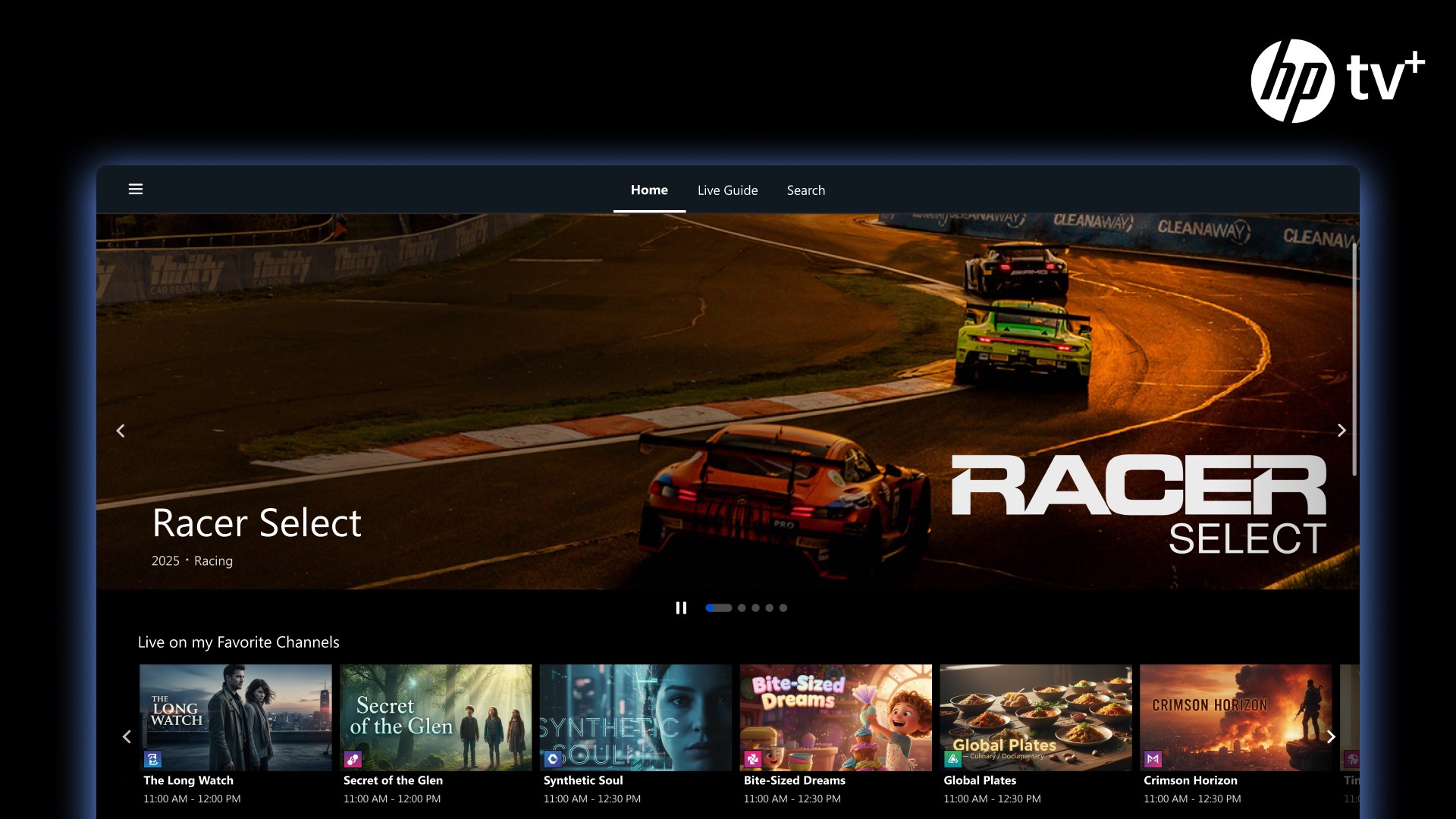
- Diverse Channel Selection: Access a broad range of programming including news, lifestyle content, sports (such as tennis, motorsports, and pickleball), and nature documentaries. Notable channels include PBS Nature, USA Today, and America's Test Kitchen.
- Genre-Spanning Movies & TV: Enjoy a library of comedies, action thrillers, sci-fi, and classic dramas alongside binge-worthy reality TV and game shows.
- Stingray Music Channels: Stream curated audio feeds for any mood, including the exclusive HP Cozy Café channel featuring relaxing lo-fi beats perfect for deep focus or casual study.
Designed Specifically for Windows Users
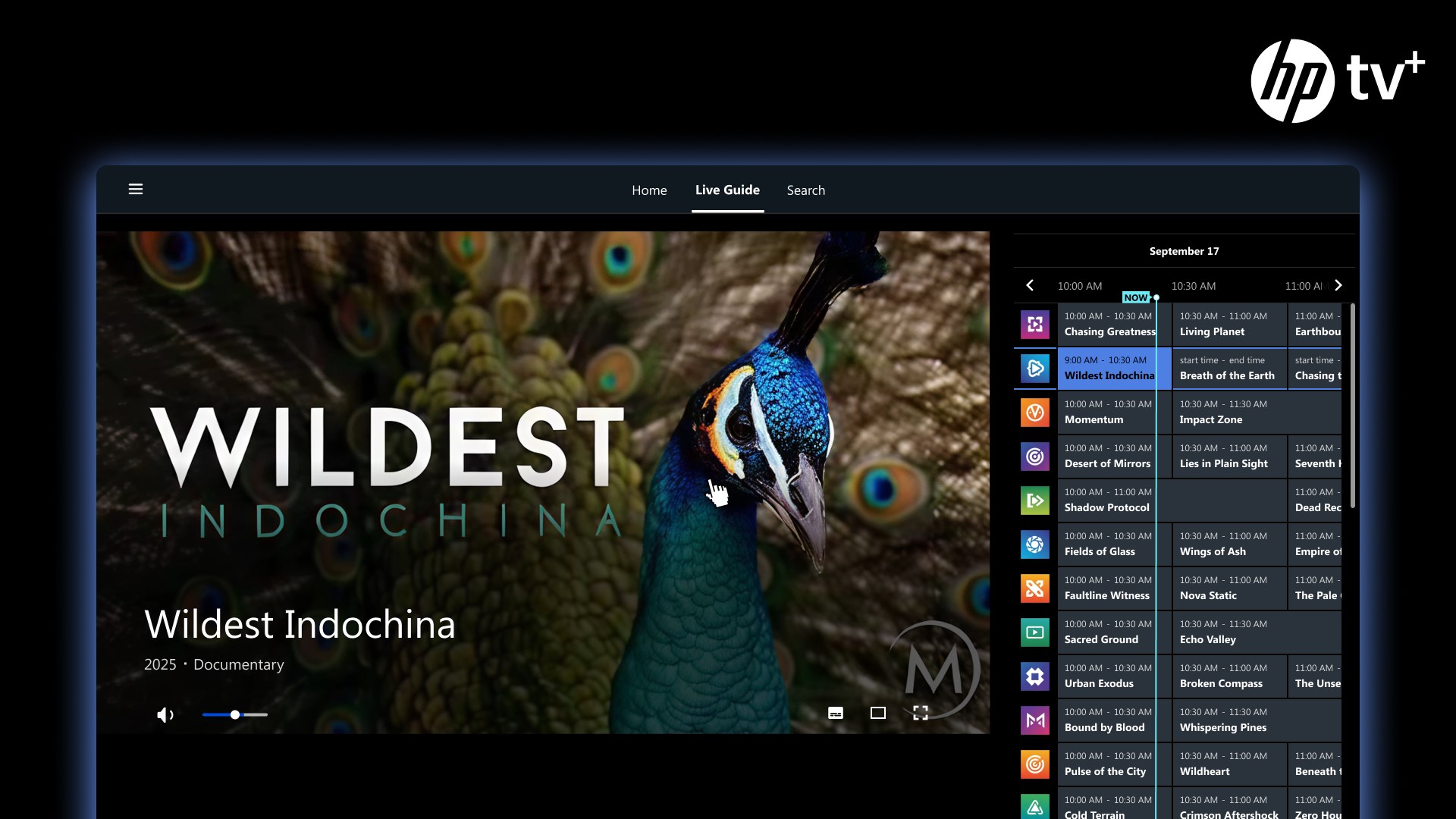
Unlike standard browser-based streaming services, this software is optimized for PC hardware. It features an intuitive Channel Guide that lets you preview live schedules, and it supports navigation via mouse, keyboard, or touchscreen. Because it is highly optimized for multitasking, you can easily keep it playing in the background or scale it down while you focus on other active windows.
Is HP TV+ Right for You?
If you are looking for a straightforward, lightweight media portal that does not demand personal data or credit card details, this app is an excellent addition to your desktop. It is ideal for remote workers who enjoy background noise, sports fans tracking niche events, or anyone wanting quick access to free, licensed digital television on their PC.
To experience this seamless entertainment hub for yourself, head over to the official Microsoft Store to download the app directly onto your Windows device.
Rate the App
User Reviews






Popular Apps










Editor's Choice