

Latest Version
Small Mammal Collective
Tools
Linux
Free
org.gnome.World.PikaBackup
Report a Problem
More About Pika Backup
While many desktop backup tools overwhelm users with complex configurations and dense terminology, Pika Backup Linux data protection stands out by making secure file preservation remarkably straightforward. Developed by the Small Mammal Collective, this utility takes the anxiety out of safeguarding your personal files by offering a clean, modern interface that works seamlessly on Linux systems. If you have ever avoided setting up backups because the process seemed too daunting, this application might be the accessible solution you have been looking for.
Streamlined Security with BorgBackup Integration
At its core, Pika Backup Linux data protection is built on top of BorgBackup, a highly respected and well-tested deduplicating backup framework. This integration means you benefit from enterprise-grade efficiency without having to interact with a command-line interface. The application intelligently saves both time and disk space by identifying existing data; it only copies new or modified files rather than duplicating your entire dataset during every cycle.
Key Features for Seamless Backups
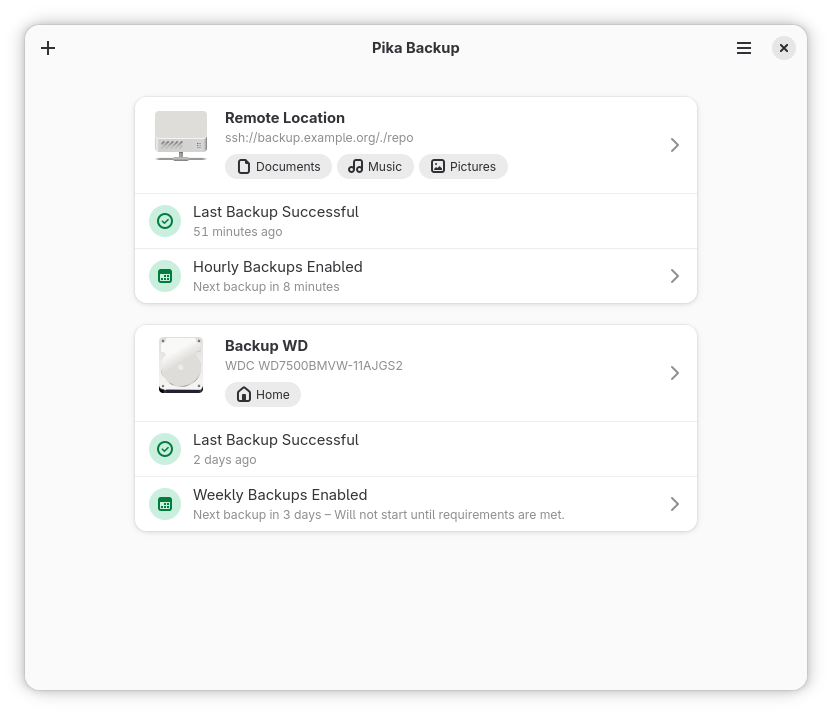
- Flexible Storage Options: Save your archives locally on external USB drives or configure remote locations to keep your data safe off-site.
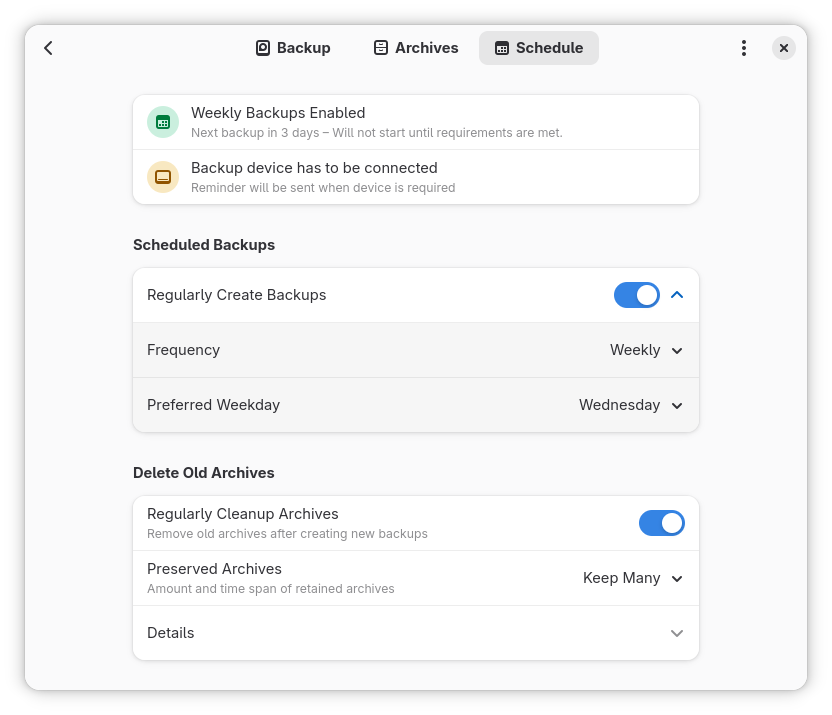
- Automated Scheduling: Set up a regular routine so your files are saved automatically without requiring manual intervention.
- Strong Encryption: Protect sensitive personal information by encrypting your archives before they leave your machine.
- Simple File Recovery: Easily browse through your historical archives and restore specific files or folders directly via your default system file browser.
Who Is This Backup Tool For?
It is important to note that Pika Backup is designed specifically to protect your personal files, documents, and media. It is not intended for full system recovery or operating system imaging. This intentional design choice keeps the interface incredibly focused and simple, making it the perfect companion for everyday Linux users who need a reliable way to secure their home directories without administrative overhead.
How It Simplifies Your Workflow
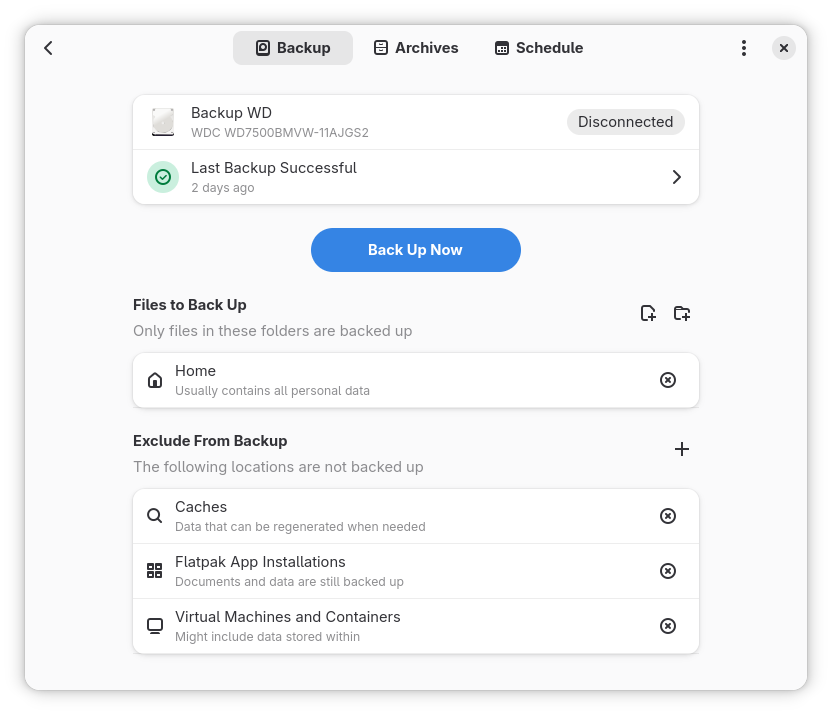
Operating this tool is as simple as plugging in a USB drive and letting the software handle the heavy lifting. The interface allows you to quickly list created archives, inspect their contents, and pull back exactly what you need in seconds. Because it avoids complex setup menus, you can go from installation to your first secure archive in just a few clicks.
To explore this tool further and set up your own secure archive routine, visit the official Flathub store page to get started with Pika Backup.
Rate the App
User Reviews













Popular Apps










Editor's Choice