
Latest Version
SANG H SUNG
Tools
Mac
$9.99
540356531
Report a Problem
More About zCommander - File Manager
For power users and macOS newcomers transitioning from a PC environment, finding a highly functional file management solution can be a challenge. The zCommander - File Manager is a robust utility designed specifically for macOS that bridges this gap, offering an advanced, dual-pane environment to streamline your daily digital organization.
What is zCommander - File Manager?
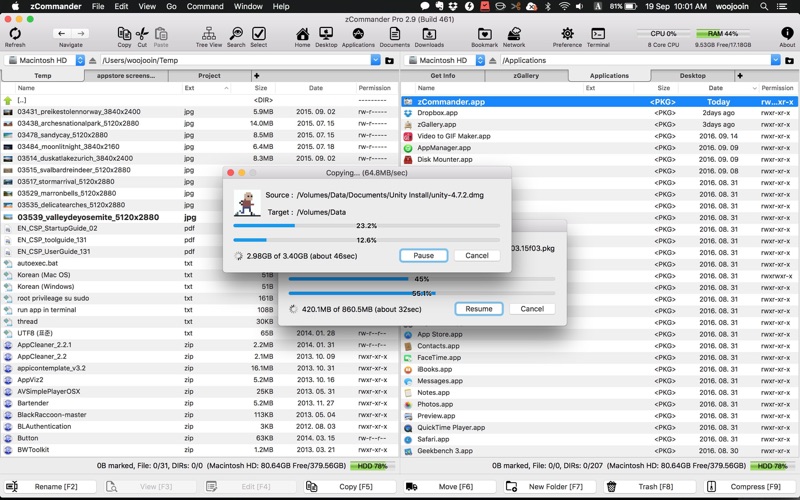
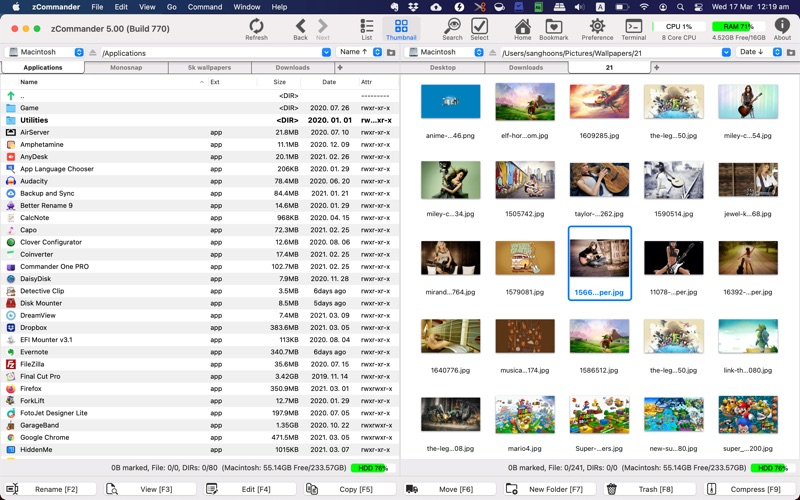
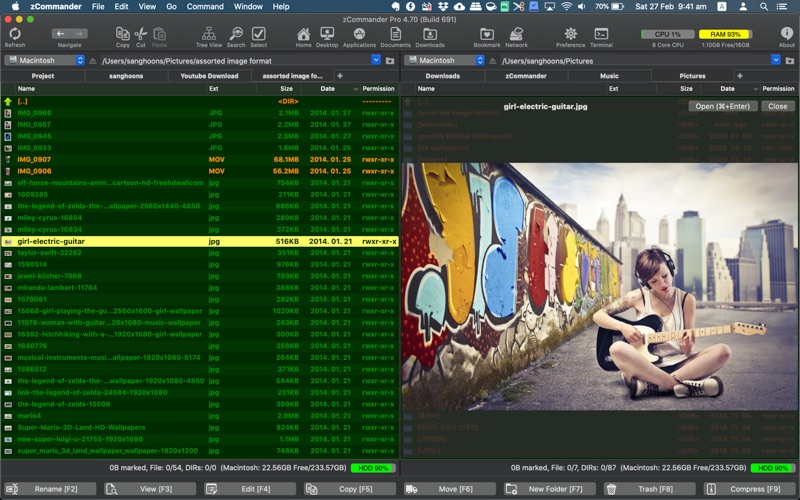
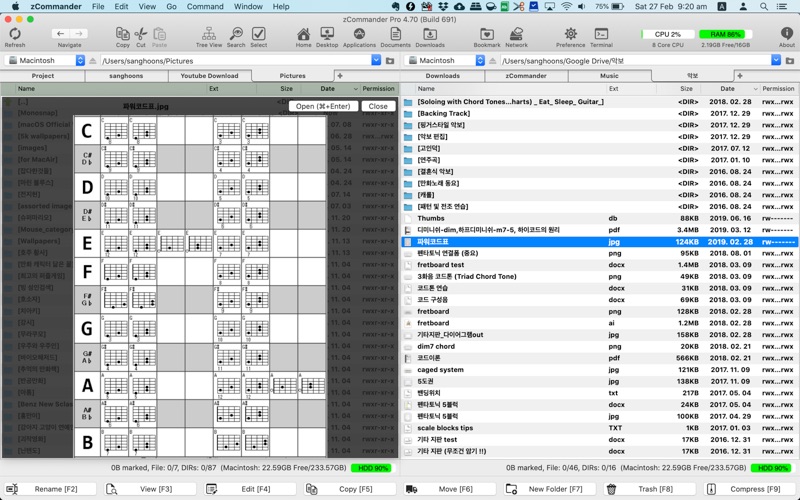
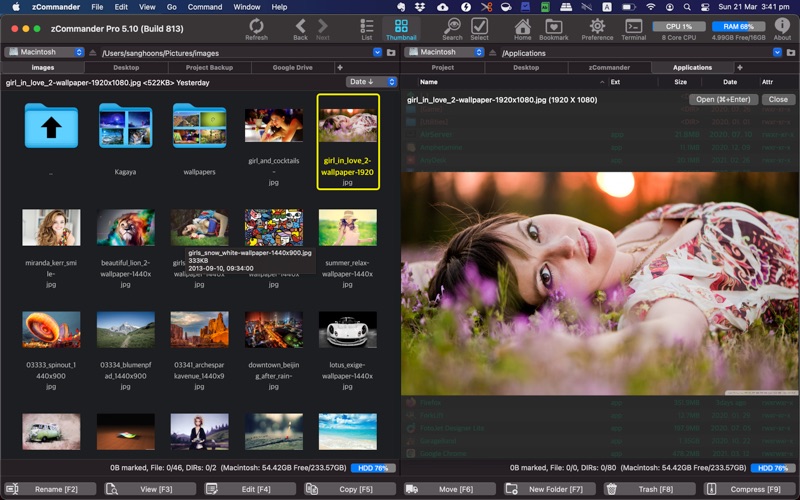
Developed by SANG H SUNG, zCommander - File Manager is a professional-grade utility categorised under system tools. It replaces standard single-pane file navigation with a highly efficient, dual-window workspace. By presenting two directories side-by-side, it eliminates the tedious task of dragging files between overlapping windows, providing a structured layout that boosts productivity for complex file operations.
Key Features for Power Users
This utility is packed with practical features that allow you to manage your local storage with speed and precision:
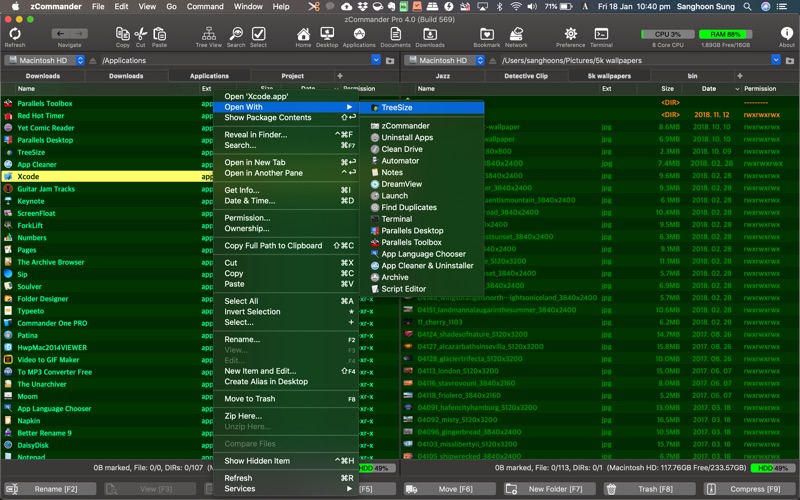
- Classic Dual-Pane Interface: View two directories simultaneously, with support for multiple tabs within each pane to keep multiple folders open at once.
- Visual Customization & Color Coding: Personalize your workspace with custom themes and apply distinct colors to specific file extensions for instant visual identification.
- Multithreaded Operations: Execute copy, move, and delete commands in the background without freezing the application interface.
- Instant Search & Filtering: Locate files instantly by typing directly within the active list, utilizing full Korean language support and advanced content-based search filters.
- Integrated Archives: Compress and extract ZIP files directly within the interface without needing third-party extraction tools.
Who is This File Manager For?
If you frequently organize large media folders, manage intricate development projects, or simply miss the classic keyboard-driven efficiency of dual-pane managers like Total Commander on Windows, this tool is built for your workflow. Its support for quick keyboard shortcuts, instant previews, and folder bookmarks makes it an indispensable asset for maximizing your efficiency on macOS.
Our Verdict
The zCommander - File Manager delivers a highly responsive, customizable, and logical approach to file organization. It successfully brings classic power-user functionality to the Mac platform without sacrificing performance. To integrate this powerful utility into your daily setup, visit the official Mac App Store to purchase and download the application.
Rate the App
User Reviews














Popular Apps










Editor's Choice